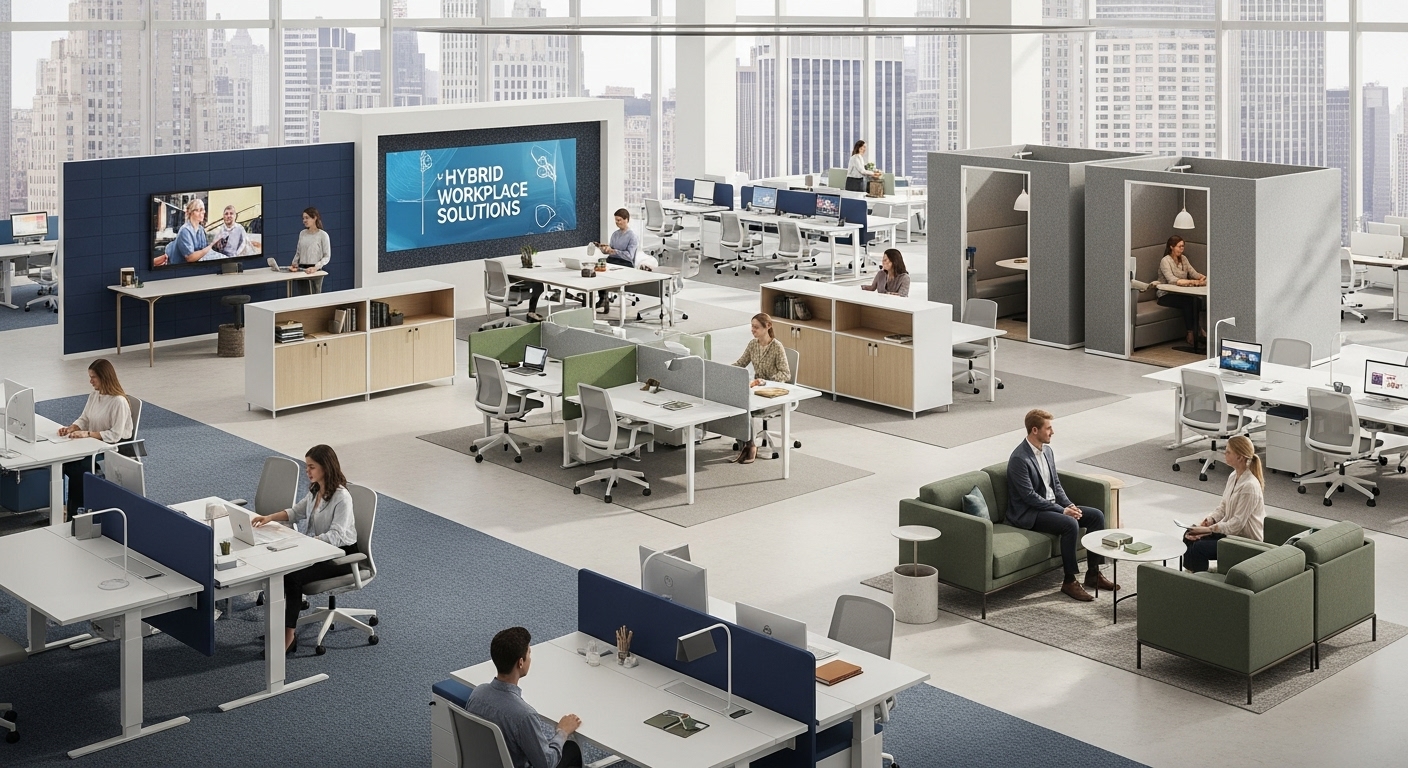
The Hybrid Work Revolution
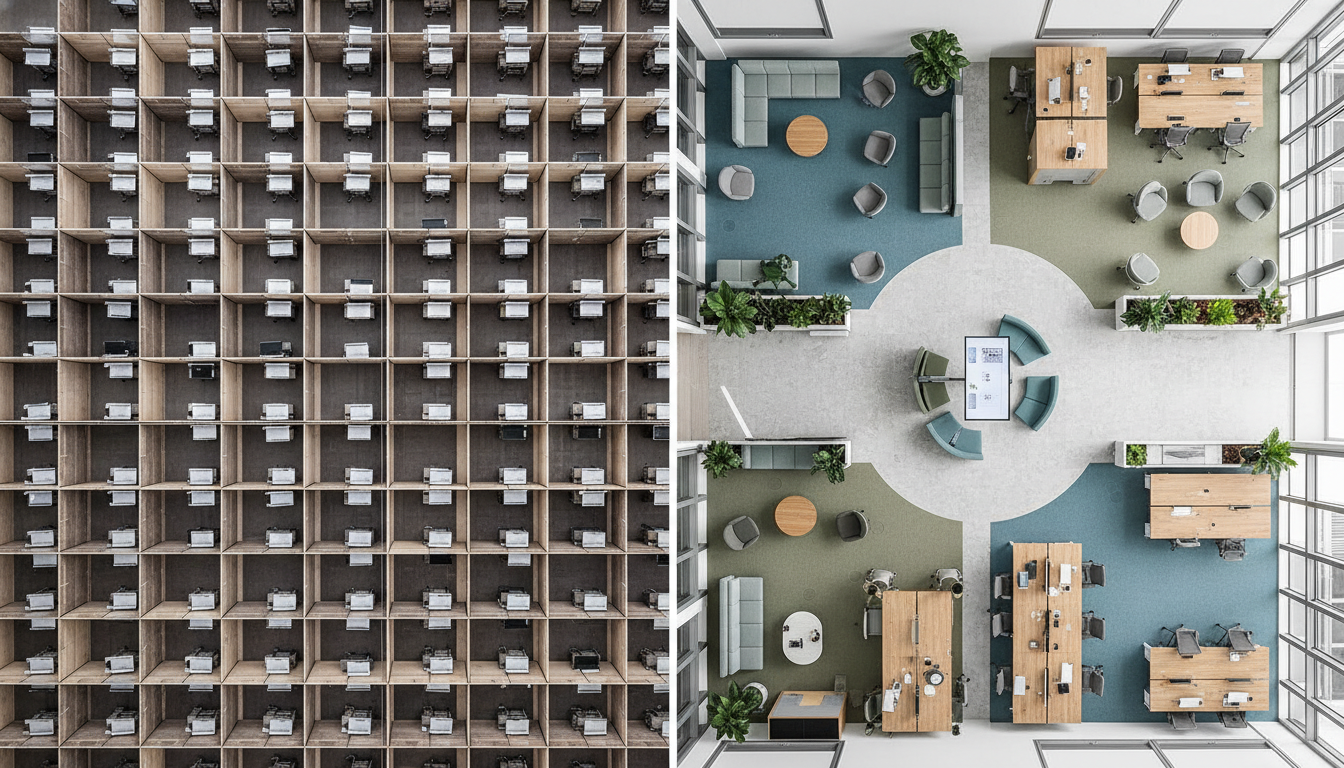
The hybrid workplace model has fundamentally transformed NYC’s commercial real estate landscape, with 78% of Manhattan companies now operating on flexible schedules that blend remote and in-office work. This seismic shift, accelerated by global events but sustained by proven productivity gains, demands radical reimagining of traditional office design to support dynamic occupancy patterns and evolving collaboration needs.
In 2025’s hybrid environment, offices no longer serve as daily destinations for all employees but rather as collaboration hubs, culture centers, and productivity amplifiers that employees choose to visit for specific purposes. McKinsey research reveals that NYC workers prefer spending 2.8 days per week in office on average, creating occupancy fluctuations between 30% on Mondays and 75% on Wednesdays and Thursdays. This variability requires spaces that expand and contract efficiently while maintaining functionality at any capacity.
The financial implications are profound. Manhattan’s average office rent of $82 per square foot annually means that unused space directly impacts bottom lines. Companies implementing strategic hybrid designs report 30-40% reduction in real estate footprint while accommodating the same or larger headcounts. A 200-person firm can save $1.5-2 million annually through optimized hybrid design without sacrificing employee experience or productivity.
Beyond cost savings, hybrid workplaces address talent demands that increasingly drive business success. LinkedIn data shows that 87% of professionals consider flexible work arrangements when evaluating opportunities, with hybrid options increasing application rates by 2.5 times. Companies without flexible workspace strategies face significant disadvantages in NYC’s competitive talent market where top performers have multiple options.
At DIG Interior Design Solutions, we’ve guided numerous organizations through hybrid transformations, from Staten Island financial firms to Brooklyn tech startups. Our approach balances space efficiency with employee experience, ensuring offices remain vibrant and purposeful regardless of daily attendance. Principal Deanna D’Addario Martinez brings decades of experience optimizing commercial spaces for evolving work patterns.
Space Utilization Strategies
Maximizing space utilization in hybrid environments requires sophisticated understanding of usage patterns, employee behaviors, and technological enablers that transform static layouts into dynamic ecosystems. Data-driven design decisions replace assumptions with facts, ensuring every square foot delivers value regardless of occupancy levels.
Occupancy Analytics and Planning
Sensor technology and badge data reveal actual versus perceived space usage, often uncovering surprising patterns. Our analysis across Manhattan offices shows that traditional assigned desks sit empty 65% of the time in hybrid models, while meeting rooms smaller than six people are oversubscribed by 140%. These insights drive reallocation strategies that better match supply with demand.
Activity-based working (ABW) principles guide space allocation based on task requirements rather than hierarchical assignment. Focus work requiring concentration needs quiet, enclosed spaces. Collaboration thrives in open areas with writable surfaces and display screens. Phone calls demand acoustic privacy without full enclosure. Social interactions benefit from comfortable, informal settings. By providing diverse spaces matched to activities, offices support productivity regardless of who’s present.
Neighborhood-Based Zoning
The neighborhood concept organizes hybrid offices into flexible zones accommodating different team sizes and schedules. Each neighborhood typically supports 30-50 people with a mix of workstations, collaboration areas, phone booths, and social spaces. Teams can claim neighborhoods on high-attendance days or share them when fewer members are present.
This approach maintains team identity and culture while maximizing flexibility. Marketing might use their neighborhood Monday through Wednesday, with Finance utilizing the same space Thursday and Friday. Shared amenities like printers and supplies serve multiple neighborhoods, reducing redundancy. Our Queens healthcare client reduced their footprint by 35% using neighborhood zoning while improving employee satisfaction scores by 22%.
Reservation and Booking Systems
Technology platforms managing space reservations transform hybrid offices from chaotic to coordinated. Employees book desks, meeting rooms, and parking spots through mobile apps, ensuring they have appropriate spaces when coming to office. Analytics from these systems inform future design decisions and space adjustments.
Integration with calendar systems automatically reserves spaces for scheduled meetings and suggests optimal office days based on team member schedules. Hot desk assignments consider individual preferences—window proximity, standing desk availability, monitor configurations—creating personalized experiences within shared environments. Our comprehensive office design services include technology selection and implementation ensuring smooth operations.
Hot Desking Solutions
Hot desking—the practice of using available rather than assigned workstations—forms the foundation of successful hybrid workplaces. However, poor implementation creates frustration, reduces productivity, and damages culture. Strategic hot desking design addresses common pain points while delivering flexibility benefits.
Workstation Standardization and Personalization
Consistent workstation configurations reduce adjustment time and technical issues. Standard desk sizes (typically 30″ x 60″ in NYC to optimize density), monitor arms accommodating various heights, and universal docking stations ensure any employee can use any desk productively. Sit-stand desks with memory settings allow quick ergonomic adjustment.
Personal storage solutions balance standardization with individual needs. Lockers or mobile pedestals provide secure storage for personal items, files, and equipment. Day-use cubbies near workstations hold bags and coats without cluttering desks. Our Brooklyn tech clients successfully use mobile storage units that follow employees between desks, maintaining personal space within shared environments.
Technology Infrastructure
Robust technology infrastructure eliminates hot desking’s traditional friction points. Universal USB-C docking stations support various laptop models with single-cable connectivity. Wireless peripherals reduce cable management issues. Cloud-based phone systems follow employees regardless of physical location. High-speed WiFi (minimum 100 Mbps per user) ensures connectivity without ethernet dependence.
Display flexibility accommodates diverse preferences and tasks. Dual 27″ monitors on adjustable arms suit most knowledge workers. Some stations feature ultrawide displays for design work or financial analysis. Portable monitors allow employees to supplement fixed displays based on specific needs. Power delivery through monitors reduces adapter requirements.
Hygiene and Cleanliness Protocols
Post-pandemic hygiene expectations require comprehensive cleanliness strategies for shared workstations. Antimicrobial surface treatments reduce pathogen transmission. Desktop sanitization stations with wipes and hand sanitizer maintain cleanliness between users. Professional cleaning between shifts ensures thorough sanitization.
Material selection supports easy cleaning without degradation. Non-porous surfaces like solid laminate or quartz resist staining and sanitizer damage. Leather alternatives provide comfort while withstanding frequent cleaning. Mesh chairs allow thorough sanitization compared to fabric alternatives. These considerations ensure hot desking remains healthy and appealing.
Technology Infrastructure Requirements
Hybrid workplaces demand sophisticated technology infrastructure supporting seamless transitions between remote and in-office work while enabling collaboration across distributed teams. Infrastructure investments that seemed optional in traditional offices become mission-critical for hybrid success.
Network Architecture and Capacity
Bandwidth requirements in hybrid offices spike during video-heavy collaboration sessions. With 50% of employees potentially video conferencing simultaneously, networks need 5-10 Mbps per user minimum, with 25 Mbps preferred for high-quality multi-party calls. Redundant internet connections prevent single points of failure disrupting hybrid meetings.
WiFi 6 technology provides necessary density and performance for device-heavy hybrid environments. Access points every 1,500 square feet ensure comprehensive coverage with minimal interference. Network segmentation isolates guest, corporate, and IoT traffic, maintaining security while optimizing performance. Our Midtown financial services clients achieve 99.9% uptime through redundant systems and professional monitoring.
Video Conferencing Excellence
Purpose-built video conferencing spaces replace makeshift setups that plague hybrid meetings. Small focus rooms (2-4 people) with integrated cameras and noise cancellation support individual video calls without disturbing others. Medium huddle rooms (4-8 people) feature ceiling-mounted microphone arrays and PTZ cameras ensuring all participants are seen and heard clearly.
Large conference rooms require sophisticated AV systems supporting hybrid meetings where some participants are remote. Multiple cameras capture different angles, switching automatically based on active speakers. Digital whiteboarding systems synchronize between physical and virtual participants. Room booking displays show availability and prevent double-booking conflicts common in hybrid environments.
Collaboration Technology
Digital collaboration tools bridge physical and virtual workspaces. Interactive displays in collaboration areas allow screen sharing from any device. Cloud-based whiteboards capture brainstorming sessions for remote participants. Spatial audio systems create immersive experiences making remote participants feel present.
Technology integration services ensure systems work seamlessly together. Single sign-on authentication reduces friction moving between tools. Unified communications platforms integrate voice, video, chat, and file sharing. Analytics dashboards track usage patterns informing future technology investments.
Collaboration Zones Design
Intentionally designed collaboration zones catalyze the creative collisions and team bonding that make in-office work valuable. These spaces must accommodate various group sizes, work styles, and collaboration types while remaining flexible enough to evolve with changing needs.
Open Collaboration Areas
Open collaboration spaces encourage spontaneous interactions and informal meetings. Comfortable seating arrangements with moveable furniture allow teams to configure spaces based on specific needs. Writable surfaces—whiteboards, glass panels, or specialized wall coverings—facilitate visual thinking and idea capture.
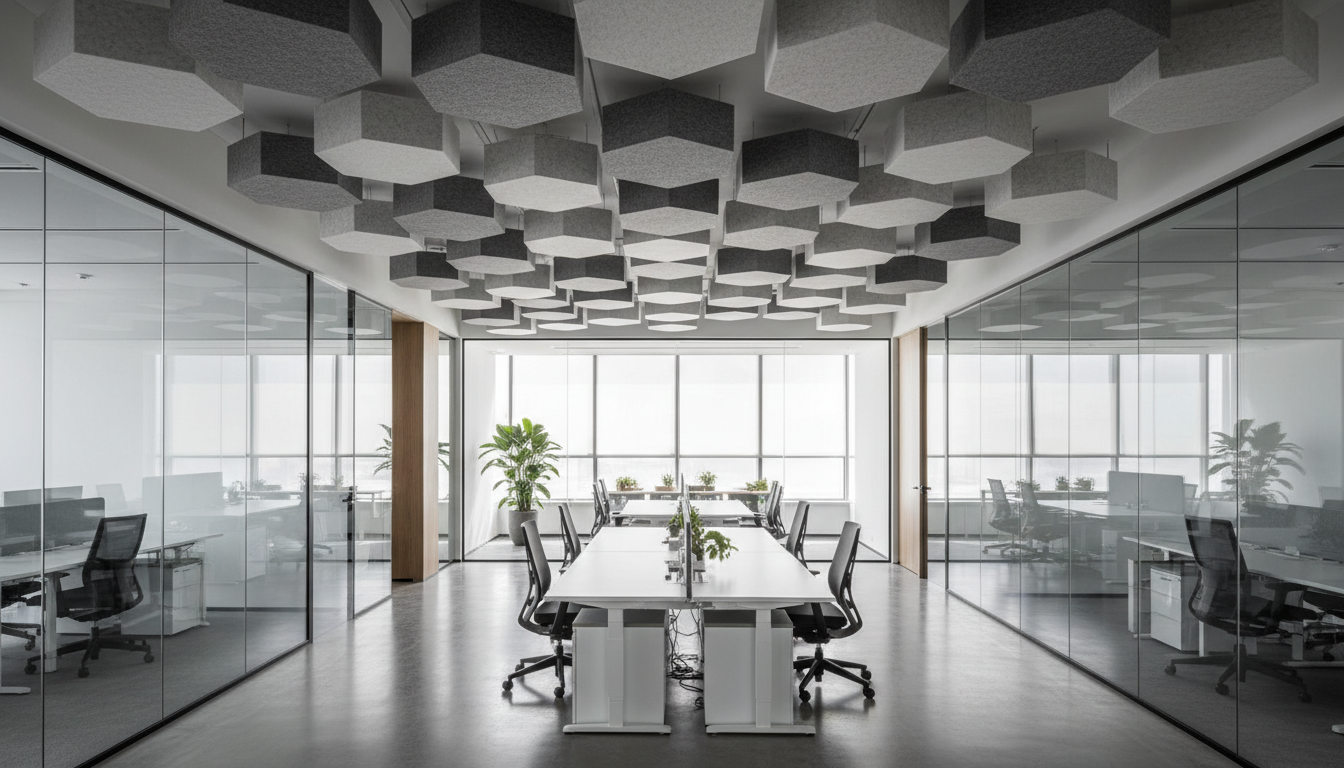
Acoustic management prevents open collaboration from disrupting focused work. Sound-absorbing materials on ceilings and walls reduce noise transmission. Strategic placement away from quiet zones minimizes conflicts. Background sound masking creates speech privacy without full enclosure. Our Tabernacle Steakhouse project demonstrated sophisticated acoustic management principles applicable to open office collaboration.
Project Rooms and War Rooms
Dedicated project spaces support extended team collaboration over days or weeks. These rooms feature multiple displays for sharing information, ample whiteboard space for planning, and storage for project materials. Flexible furniture accommodates standing meetings, workshop sessions, or heads-down work as projects evolve.
Technology infrastructure in project rooms exceeds standard meeting spaces. Multiple power outlets support various devices. Strong WiFi handles simultaneous connections. Video conferencing capability includes remote team members. Digital capture systems preserve whiteboard content for future reference.
Social and Informal Spaces
Casual interaction spaces foster relationships and culture crucial for hybrid team cohesion. Café-style seating encourages informal conversations. Game areas provide mental breaks and team bonding. Outdoor terraces offer fresh air and perspective changes. These spaces become especially important as planned in-office days focus on relationship building.
Design elements signal different behavioral expectations than formal work areas. Residential furniture, warm lighting, and hospitality-inspired finishes create welcoming atmospheres. Music, artwork, and plants add personality often missing from remote work. Food and beverage amenities encourage lingering and interaction.
Privacy Solutions for Open Plans
Balancing collaboration with concentration remains hybrid design’s greatest challenge. Open plans that facilitate interaction can inhibit focused work without thoughtful privacy solutions. Multi-layered approaches address visual, acoustic, and psychological privacy needs.
Acoustic Privacy Strategies
Sound management in hybrid offices requires comprehensive approaches addressing both speech privacy and noise reduction. Phone booths provide immediate acoustic isolation for calls and focused work. These prefabricated units install quickly and relocate as needs change. Quality booths achieve 30+ decibel reduction while maintaining ventilation and lighting.
Materials selection significantly impacts acoustic performance. Ceiling treatments using high-NRC tiles or baffles absorb sound before it spreads. Carpet tiles reduce footfall noise and ambient sound. Upholstered furniture and fabric panels provide additional absorption. Combined strategies achieve comfortable background noise levels of 48-52 dBA.
Visual Privacy Options
Visual privacy supports concentration without complete isolation. Adjustable desk screens allow employees to modify privacy levels based on tasks. Living walls or planters create natural barriers while improving air quality. Storage units double as space dividers defining territories without permanent construction.
Glass partitions with manifestation or smart film provide flexibility between transparency and privacy. Strategic placement of circulation paths minimizes visual distraction from movement. Thoughtful desk orientation prevents direct sightlines between workstations while maintaining spatial openness.
Psychological Privacy
Creating sense of personal territory within shared spaces addresses psychological privacy needs. Defined zones using different flooring materials or ceiling heights signal transitions between collaborative and focused areas. Color and lighting variations reinforce behavioral expectations. Personal storage provides sense of ownership within hot-desking environments.
Collaboration zone planning incorporates privacy gradients from fully open to completely enclosed. This spectrum allows employees to self-select appropriate settings matching their immediate needs. Regular feedback ensures privacy solutions align with actual usage patterns and preferences.
Storage Solutions for Flexible Seating
Effective storage strategies make or break hot-desking success. Without adequate personal and shared storage, flexible seating creates chaos rather than efficiency. Innovative storage solutions maintain organization while supporting mobility and reducing real estate requirements.
Personal Storage Systems
Locker banks provide secure personal storage without consuming valuable workspace. Smart lockers with app-based access eliminate key management while providing usage analytics. Sizes vary from small phone-charging cubbies to full-height wardrobes accommodating coats and gym bags. Typical allocation provides one locker per 1.5 employees in hybrid models.
Mobile storage units offer alternative solutions for employees needing work materials readily available. These pedestals include file drawers, supply storage, and personal compartments. Wheels allow movement between desks or into storage rooms when not needed. Some units include cushioned tops serving as guest seating when positioned appropriately.
Team Storage Solutions
Shared storage serves teams while reducing individual storage needs. Centralized supply stations every 30-50 feet prevent hoarding at desks. Team storage rooms hold project materials, reference documents, and shared equipment. Digital locks with access control ensure security while allowing authorized team member access.
Collaborative storage integrated into meeting spaces keeps materials accessible during working sessions. Credenzas in conference rooms store presentation materials and technology. Whiteboard walls include marker storage and erasers. Project rooms feature tackboards and supply storage supporting extended collaboration.
Cost Analysis Hybrid vs Traditional
The financial implications of hybrid workplace design extend beyond obvious real estate savings to encompass technology investments, operational changes, and productivity impacts. Comprehensive cost analysis reveals that well-executed hybrid designs deliver 25-40% total cost reduction compared to traditional models.
Real Estate Optimization
Space reduction represents the most visible savings. Moving from 150 square feet per person (traditional) to 100 square feet (hybrid) saves $4,100 annually per employee at Manhattan’s average rates. A 200-person organization saves $820,000 yearly in rent alone. Additional savings include reduced utilities ($3-5/SF), cleaning services (30% reduction), and property taxes.
However, space quality must increase to justify reduced quantity. Investment in better furniture, technology, and amenities ensures offices attract rather than repel employees. Premium spaces costing 20% more per square foot still generate net savings through footprint reduction. Our Staten Island corporate clients achieved 35% cost reduction while improving space quality metrics.
Technology Investment Requirements
Hybrid infrastructure requires upfront investment averaging $2,000-3,500 per employee. Video conferencing rooms cost $15,000-50,000 depending on size and sophistication. Hot desk booking systems run $20-40 per employee monthly. Collaboration software adds $50-100 per user monthly. Network upgrades supporting increased video traffic cost $50,000-100,000 for typical floors.
These investments generate returns through productivity improvements and operational savings. Reduced travel between offices saves $500-1,000 per employee annually. Better technology reduces IT support tickets by 30%. Improved collaboration tools accelerate project completion by 15-20%. Combined technology ROI typically achieves break-even within 18-24 months.
Operational Considerations
Hybrid models shift rather than eliminate operational costs. Reduced daily occupancy lowers café and catering expenses by 40-50%. However, coordinating in-office days may require enhanced amenities and events. Cleaning protocols become more complex with shared desks requiring between-use sanitization. Security systems need sophistication managing variable occupancy and visitor patterns.
Change management costs often exceed physical modifications. Training programs ensuring effective hybrid work cost $500-1,000 per employee. Productivity may dip 10-15% during transition periods before recovering and exceeding previous levels. Cultural initiatives maintaining connection in distributed teams require ongoing investment in events and technology.
Design Your Hybrid Workspace with DIG Interior Design Solutions and discover optimal balance between cost efficiency and employee experience.
Future-Proofing Your Design
Designing for 2025’s hybrid workplace requires anticipating continued evolution in work patterns, technology, and employee expectations. Future-proof designs maintain flexibility while avoiding premature obsolescence that necessitates costly renovations.
Modular and Adaptable Systems
Demountable partition systems allow rapid reconfiguration as needs change without demolition. These systems achieve acoustic ratings comparable to fixed construction while enabling overnight layout changes. Modular furniture systems expand, contract, and reconfigure supporting different team sizes and work styles. Raised flooring provides infinite flexibility for power and data distribution without concrete trenching.
Infrastructure planning anticipates 40% capacity expansion for power, data, and HVAC systems. Empty conduit pathways simplify future cable additions. Oversized electrical panels accommodate additional circuits. Plenum space allows HVAC modifications without ceiling demolition. This forward-thinking approach costs 10-15% more initially but saves 50-70% on future modifications.
Scalability Planning
Design strategies accommodate both growth and contraction without proportional space changes. Intensification strategies increase density from 100 to 75 square feet per person if growth exceeds space availability. Conversion plans transform collaboration areas to workstations during expansion phases. Lease structures include expansion and contraction rights aligned with business projections.
Technology scalability ensures systems grow with organizations. Cloud-based platforms eliminate server room constraints. Software-defined networks allow capacity increases without hardware replacement. Subscription-based services scale up or down monthly based on actual needs. These approaches reduce technology investment risk while maintaining capability.
Emerging Trend Preparedness
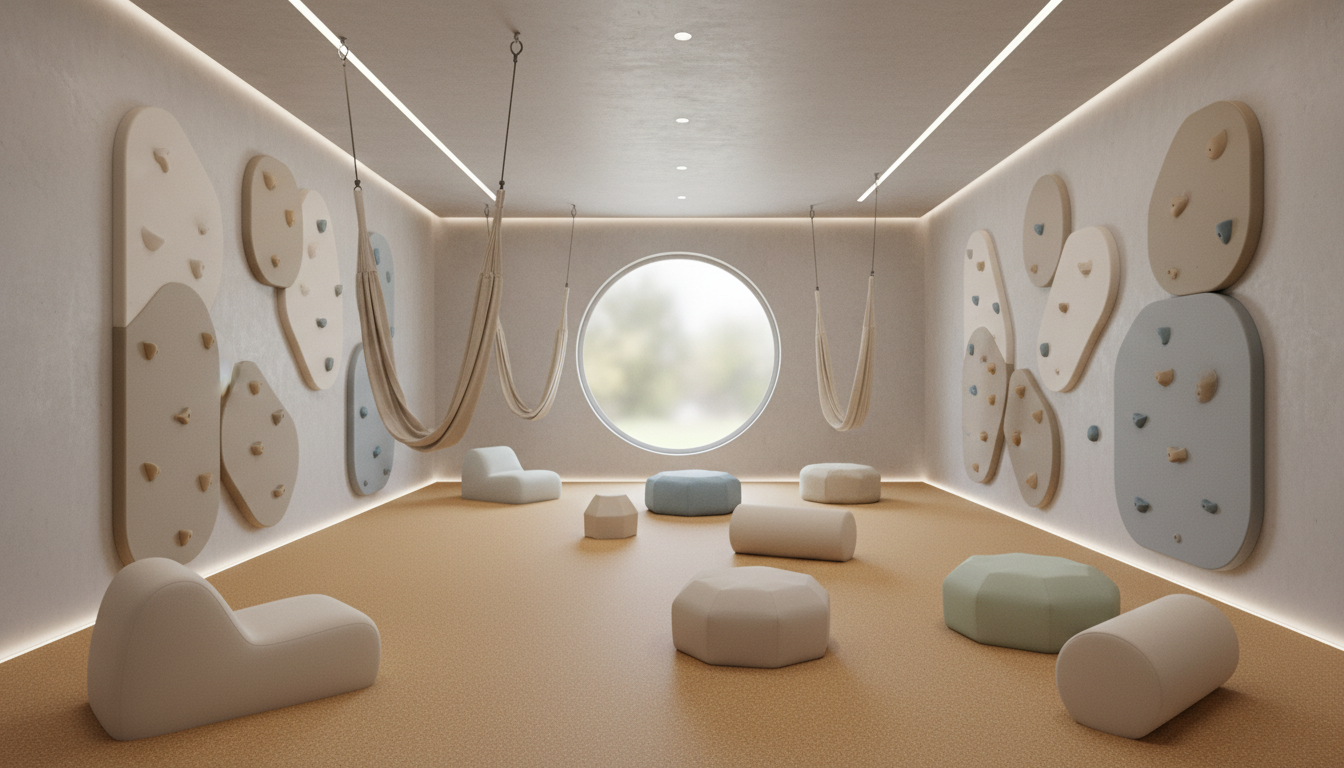
Anticipating future workplace trends prevents premature obsolescence. Wellness amenities including fitness spaces, meditation rooms, and outdoor access become increasingly expected. Sustainability features meeting Local Law 97 requirements avoid future penalties. Inclusive design supporting neurodiversity and accessibility exceeds current ADA requirements.
Technology preparation includes infrastructure for emerging capabilities. 5G cellular systems will enable new mobile work patterns. Augmented reality will transform collaboration and training. Artificial intelligence will optimize space utilization and environmental controls. Preparing infrastructure for these technologies positions organizations as innovation leaders.
The workplace continues evolving rapidly, but foundational flexibility enables adaptation without disruption. DIG Interior Design Solutions brings decades of experience creating workspaces that thrive through change. Our hybrid designs for clients from Brooklyn startups to Manhattan financial firms demonstrate lasting value through multiple business cycles.
Start Hybrid Planning today and create a workspace ready for whatever 2025 and beyond brings.
DIG Interior Design Solutions specializes in hybrid workplace design throughout New York City. Our expertise spans from complete office transformations to targeted flexibility improvements. Principal Deanna D’Addario Martinez and our experienced team bring proven strategies for creating dynamic workspaces that adapt to evolving business needs. Contact us to discover how hybrid design can reduce costs while improving employee experience.